← Back
Public Speaking in Virtual & Hybrid Settings
Public speaking has always mattered for placements, pitch competitions, and campus leadership — but a growing share of it now happens through a screen: video interviews, hybrid hackathon demos, virtual internship check-ins, and hybrid conferences. The skills that work in a lecture hall don't automatically transfer to a webcam. This newsletter gives you the key differences, the biggest pitfalls, and specific, research-backed fixes.

1. Why This Matters Right Now
- Recruiters are increasingly running first round and even final interviews over video call.
- Hybrid classrooms and hybrid conferences (part in-person, part remote) are now standard, not the exception.
- Founders pitch investors over Zoom; club leaders run hybrid GBMs; researchers present at hybrid conferences.
- Research summarized by Harvard Business Review notes that virtual communication amplifies small delivery flaws — monotone voice, poor eye contact, dead air — that audiences forgive far more easily in person, because the screen strips away most non-verbal context.
← Back
← Back
2. Virtual vs. Hybrid: Not the Same Skill
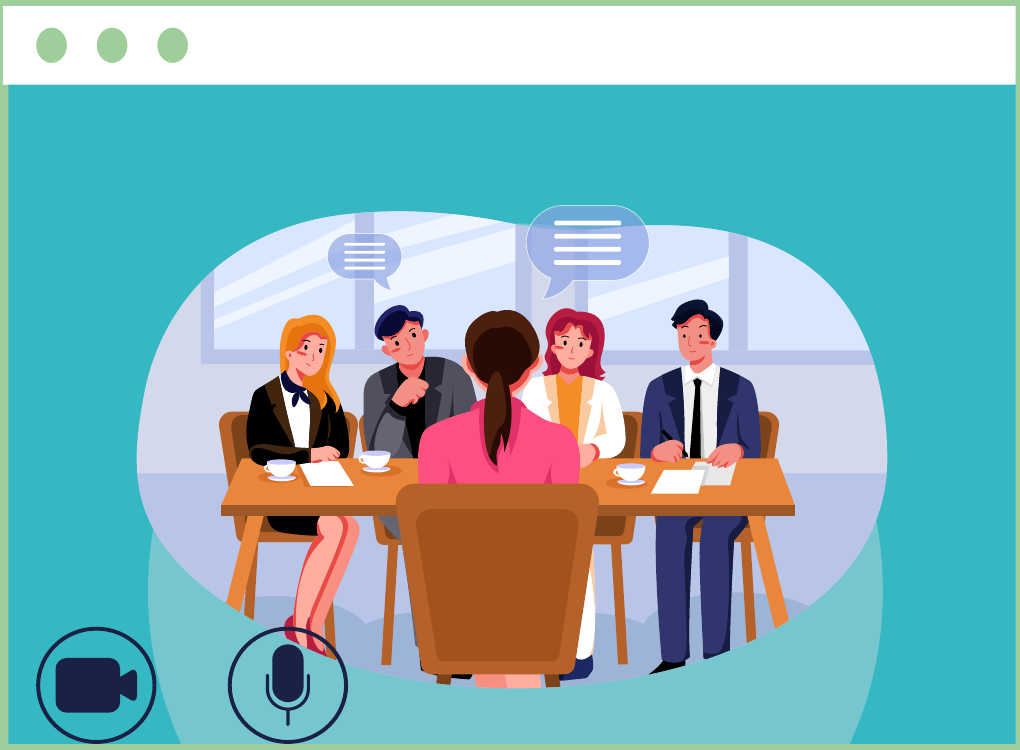
The core hybrid problem: most hybrid speakers unconsciously perform for the room and treat the camera as an afterthought — which alienates the remote audience. Deliberately splitting your attention is a trainable skill, not a talent.
| Factor | Factor | Factor |
|---|
| Audience attention | Single screen; multitasking risk | Split between room and camera |
| Eye contact | Camera lens vs. faces on screen | Must “serve two rooms” at once |
| Energy read | Hard to read reactions | Room energy can dominate; remote feels ignored |
| Technical risk | Moderate | High (mics, screen share, in-room AV) |
| Body language use | Limited to chest-up frame | Full body possible, but only for in-room half |
← Back
← Back
Hybrid meetings can be genuinely great — sharp, energizing, worth everyone's time. Without a plan, they turn into a room half-watching a screen and a screen half-watching a room. Here's how to run the good version.
A. Make It Count

The average desk worker sits through 25.6 meetings a week. People are burnt out before you even open your mouth. Your job: make the meeting worth showing up for.
Hybrid makes this harder, not easier — your agenda has to be tight, and your content has to land for two audiences at once, not one.
Do this:
- State the purpose up front. No purpose, no meeting.
- Cut the invite list to who actually needs to be there.
- Build an agenda you can realistically finish.
- Design visuals both rooms can actually see and use.
- Let remote people speak first. Set a clear rule for how anyone jumps in.
- Leave real time for discussion — don't just talk at people.
- If possible find a person to help with angles, presentations and answering questions in the chatbox
- The right platform helps here too — something that lets everyone present like whiteboard, and collaborate in one place, instead of juggling five tools mid-meeting.

B. Don't Let Anyone Feel Like a Guest
The American Psychological Association found something simple but important: video calls drain people faster when they don't feel like they belong. In hybrid settings, that hits remote attendees hardest — they're one Wi-Fi hiccup away from feeling invisible.
- Fix it with these habits:
- Schedule for early afternoon — energy dips are real.
- Build in small talk before or after, for everyone, not just the people in the room.
- Set clear ground rules: cameras on or off, no multitasking.
- Normalize short breaks — stand up, look away from the screen.
C. Participation Isn't Optional

A hybrid meeting only works if people actually engage — not just nod along. Borrow a page from the classroom: the active learning model, where students get the material before class so class time is for discussion, not lecture.
Apply it here: send the agenda and materials ahead of time. People show up with questions and opinions instead of blank stares — and the meeting actually moves.
← Back
← Back
5. What Actually Works:
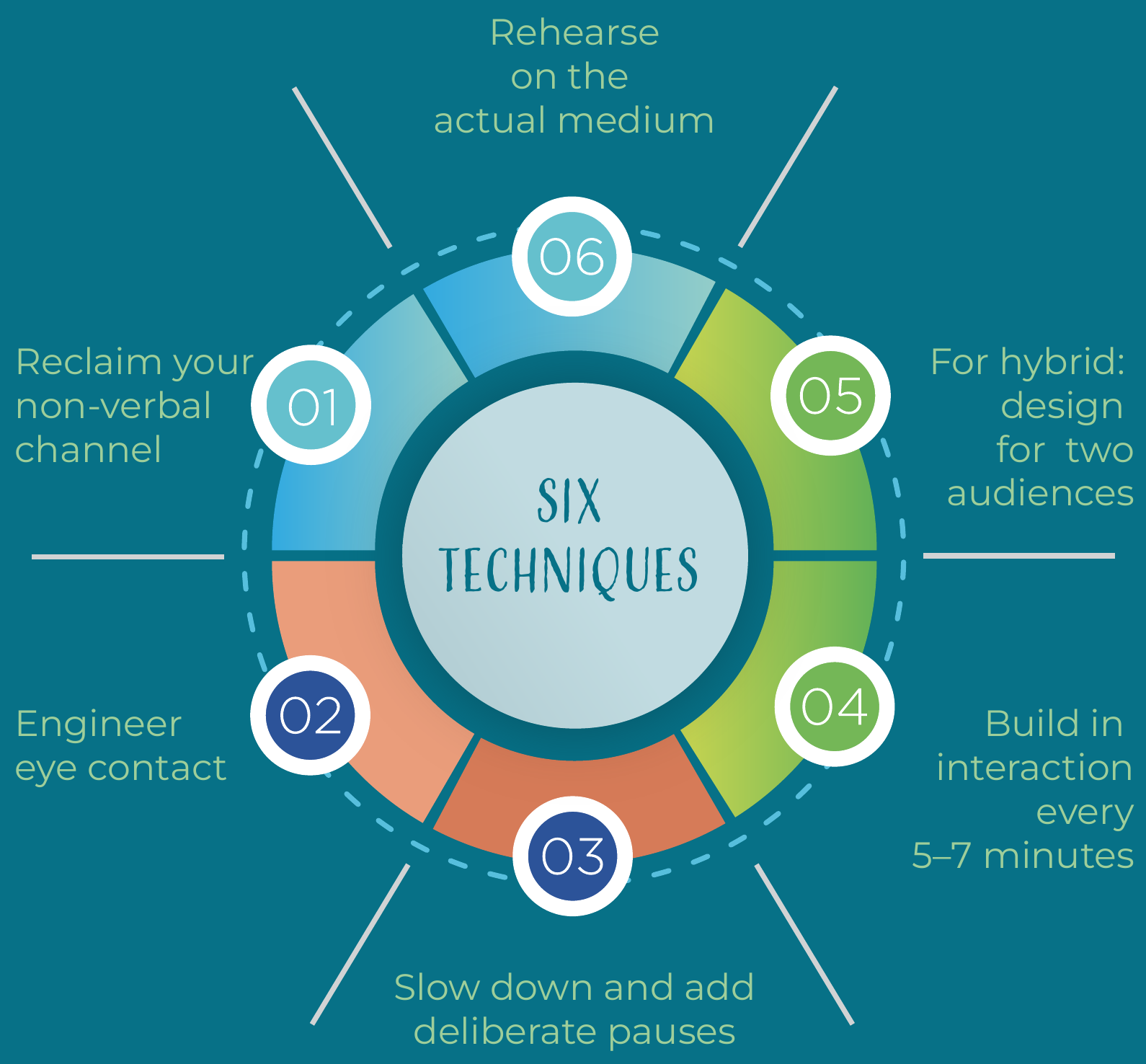
A. Reclaim your non-verbal channel
Sit slightly back from the camera so your hands are visible when you gesture — cropped-out gestures look like fidgeting instead of emphasis.
Nod and react visibly even when listening — on video, stillness reads as disengagement, not attentiveness.
Set the camera at eye level, not looking-down or looking-up angles, which subtly signal low status or dominance.
B. Engineer eye contact
Looking at faces on your screen feels natural but reads as looking away to your audience. Looking at the lens reads as eye contact to them.
Broadcaster's compromise: glance at the lens during key sentences — your opening line, your ask, your conclusion — and rest on the screen the rest of the time.
C. Slow down and add deliberate pauses
Audio compression and latency eat subtle vocal cues. A pace and pause length that feel slightly slow to you will read as normal on a call. Slow down especially when you say something important, it instantly grabs attention.
D. Build in interaction every 5–7 minutes
A poll question, a name-check, or a chat prompt resets attention before the drop-off curve kicks in.
E. For hybrid: design for two audiences
Repeat questions asked in the room so the remote audience hears them.
Address the camera directly at least once every few minutes, not just the room.
Where possible, place a monitor showing the remote audience near the in-person crowd so it's easy to glance at both.
F. Rehearse on the actual medium
Practicing a virtual or hybrid talk in person misses the whole problem. Record yourself on the real platform (Zoom, Teams, Meet) and watch it back — most students are surprised by how differently their energy reads on screen.
← Back
← Back

Skilling & Training
A total of 5,183 first year scholars supported by MSDF completed the AMCAT Baseline Assessment, which assesses scholars’ aptitude, communication, logical reasoning, and data interpretation skills and helps identify areas for targeted skill development. In addition, 3,407 Capgemini supported scholars completed the Midline AMCAT Assessment, enabling FFE to measure their progress and identify areas for further development. 3,387 final year scholars supported by MSDF are currently undertaking the Endline AMCAT Assessment to assess their overall progress and employment readiness following their skills training.
Based on the baseline assessment findings, FFE launched an English program for second year scholars, with approximately 3,600 scholars enrolled. The program focuses on strengthening scholars’ English communication skills and enhancing their overall workplace readiness. In the current 3rd year cohort supported by Capgemini and MSDF, 1200 scholars attending the advanced Hi touch English program by
FFE also expanded opportunities in emerging technologies and technical skills. Anthropic Academy and OpenAI learning programmes have been launched for FFE engineering scholars, providing access to practical learning in AI, generative AI, LLMs, ChatGPT, prompt engineering, data analysis, reasoning, and other industry relevant areas. AWS Educate has also been launched for second year engineering scholars, offering self paced learning and hands-on exposure to cloud computing, AI, machine learning, data analytics, cybersecurity, and other emerging technologies. FFE also launched the TiE Entrepreneurship & Mentorship Program 2026 for 180 third year, final year, and graduated scholars. The eight week programme, led by Prof. Raj Jaswa, provides practical entrepreneurship training, mentorship, and guidance to develop and validate business ideas, along with the FFE Innovation Challenge offering opportunities for prizes and seed/prototype support.
For women scholars in STEM, FFE, in collaboration with Vigyan Shala, launched the She for STEM programme, a two stage career development and research mentoring initiative for second year engineering scholars.
FFE, in collaboration with Anudip Foundation, is launching an Advanced AI & Machine Learning certification programme for final year engineering scholars, focused on careers in AI, ML, Data Science, and related fields
FFE, in collaboration with Avanti Fellows, also launched Launchpad, a peer led, on campus support initiative for first generation learners. The programme received an enthusiastic response, with 300+ current first, second, and third year scholars expressing interest. The initiative also includes opportunities for corporate exposure through visits to organisations such as Micron and IMC Trading.
Leadership and wellbeing programmes continued to engage scholars at scale, with 1,075 scholars participating in the “Finding the Leader in You” workshop, and 2,882 scholars participating in structured wellness sessions. The final Aspire Leaders cohort for 2026 is set to begin shortly, providing another group of scholars with access to global leadership development opportunities.
← Back